
Referring made simple.
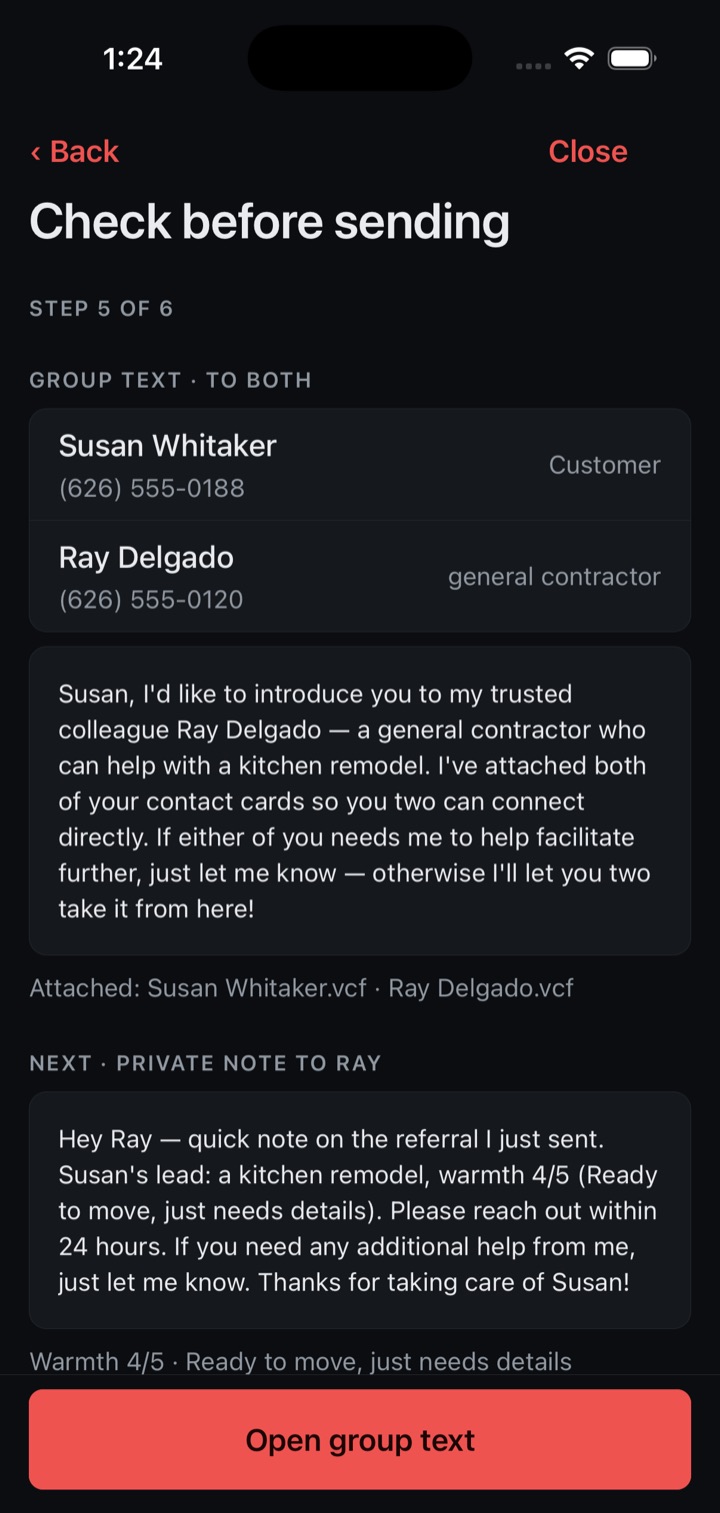
Turn a conversation into a proper introduction: one group text to your customer and a trusted professional, with both contact cards included.
See how it works
StartTap Start a referral
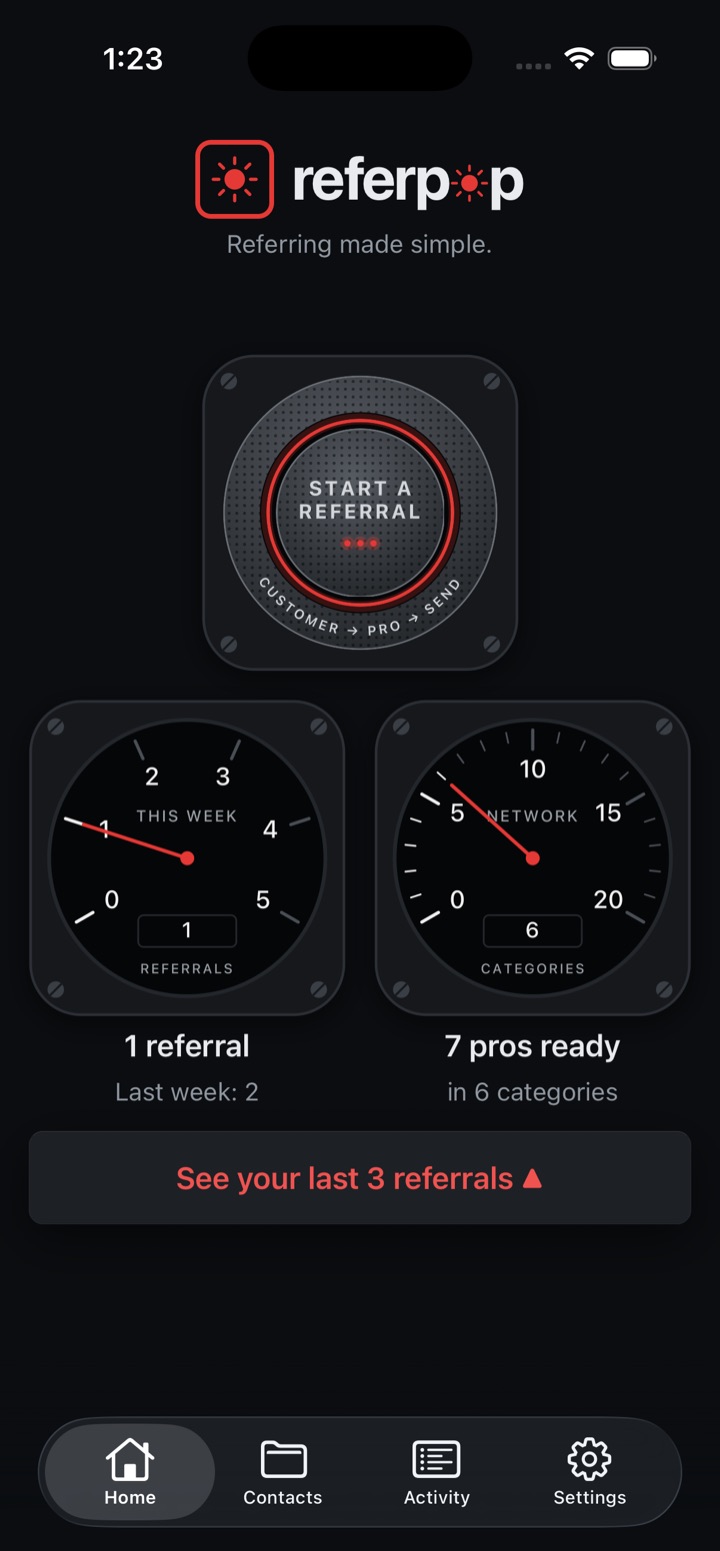
Step 1Pick the customer
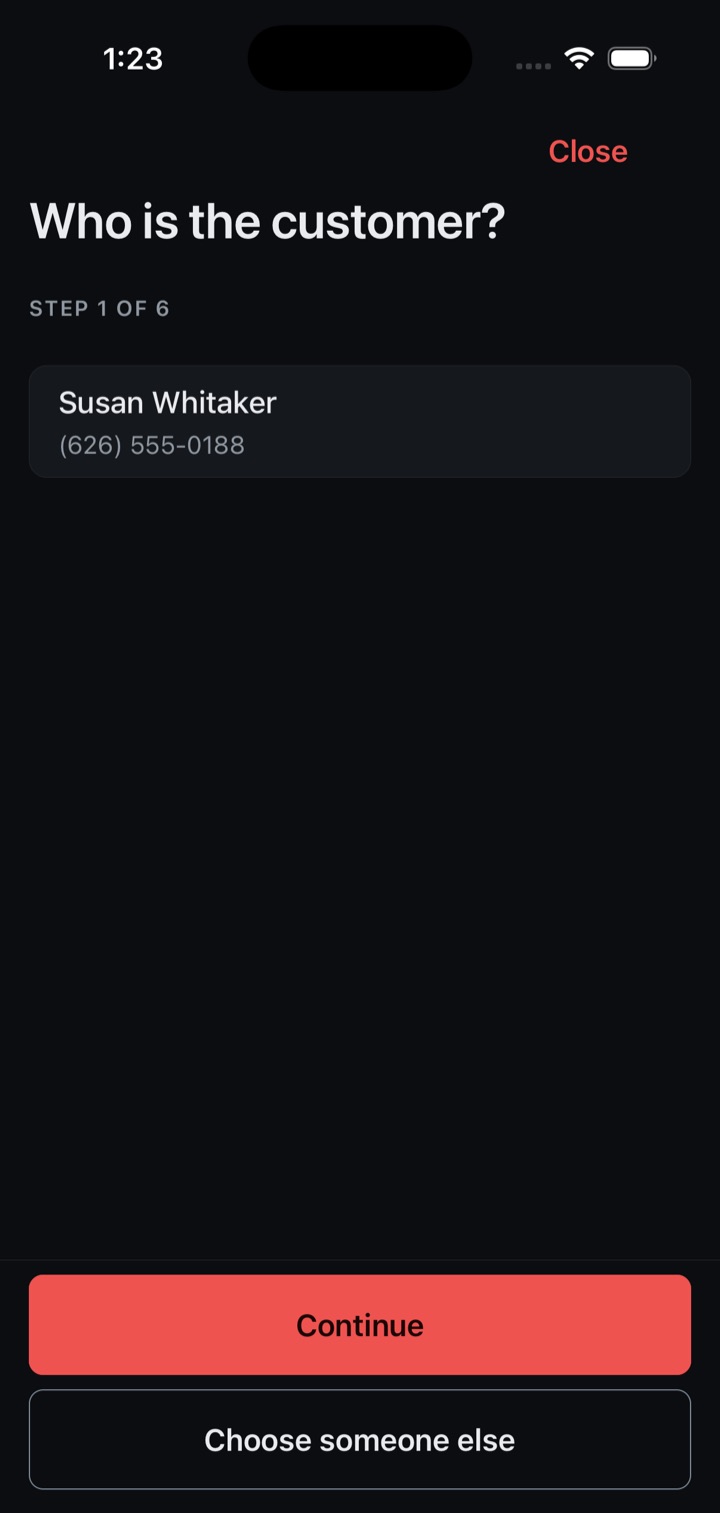
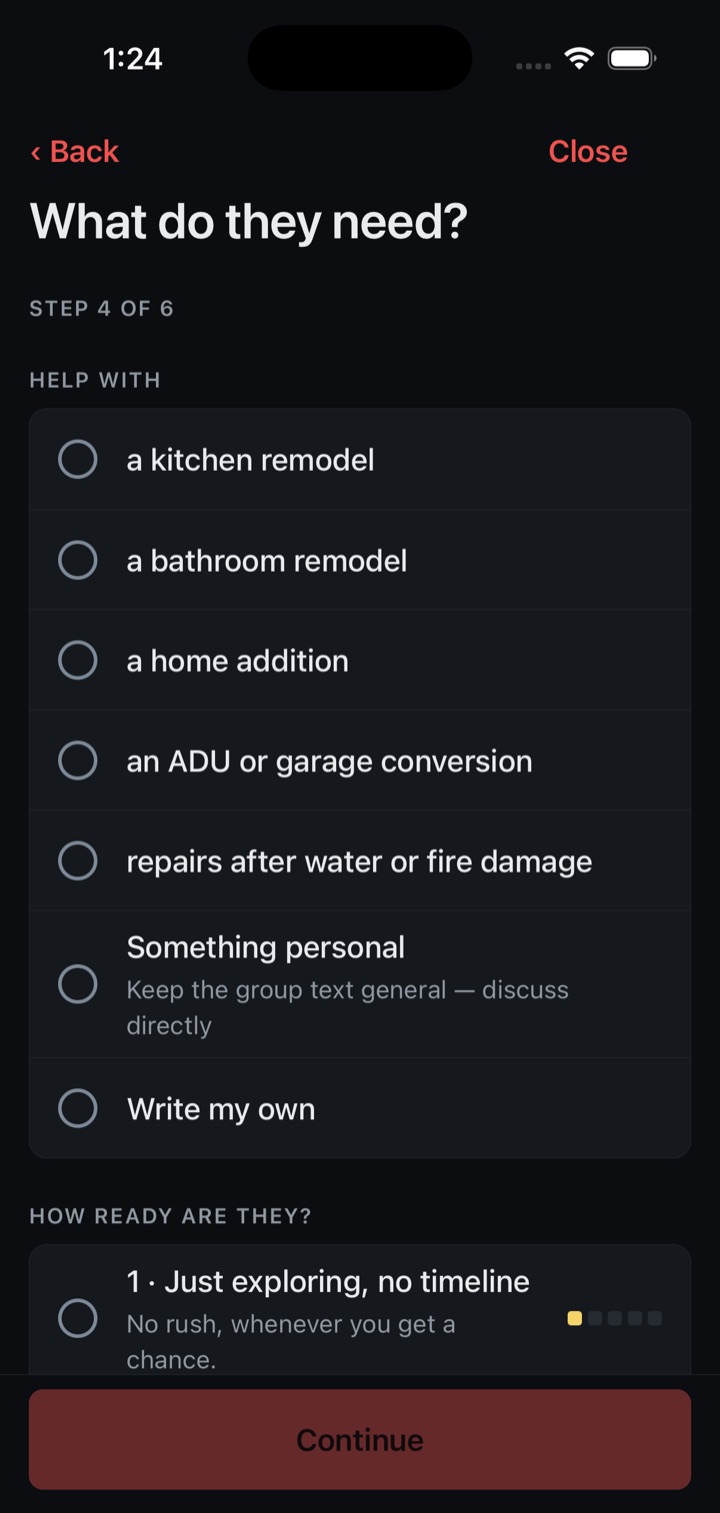
Step 2What they need help with
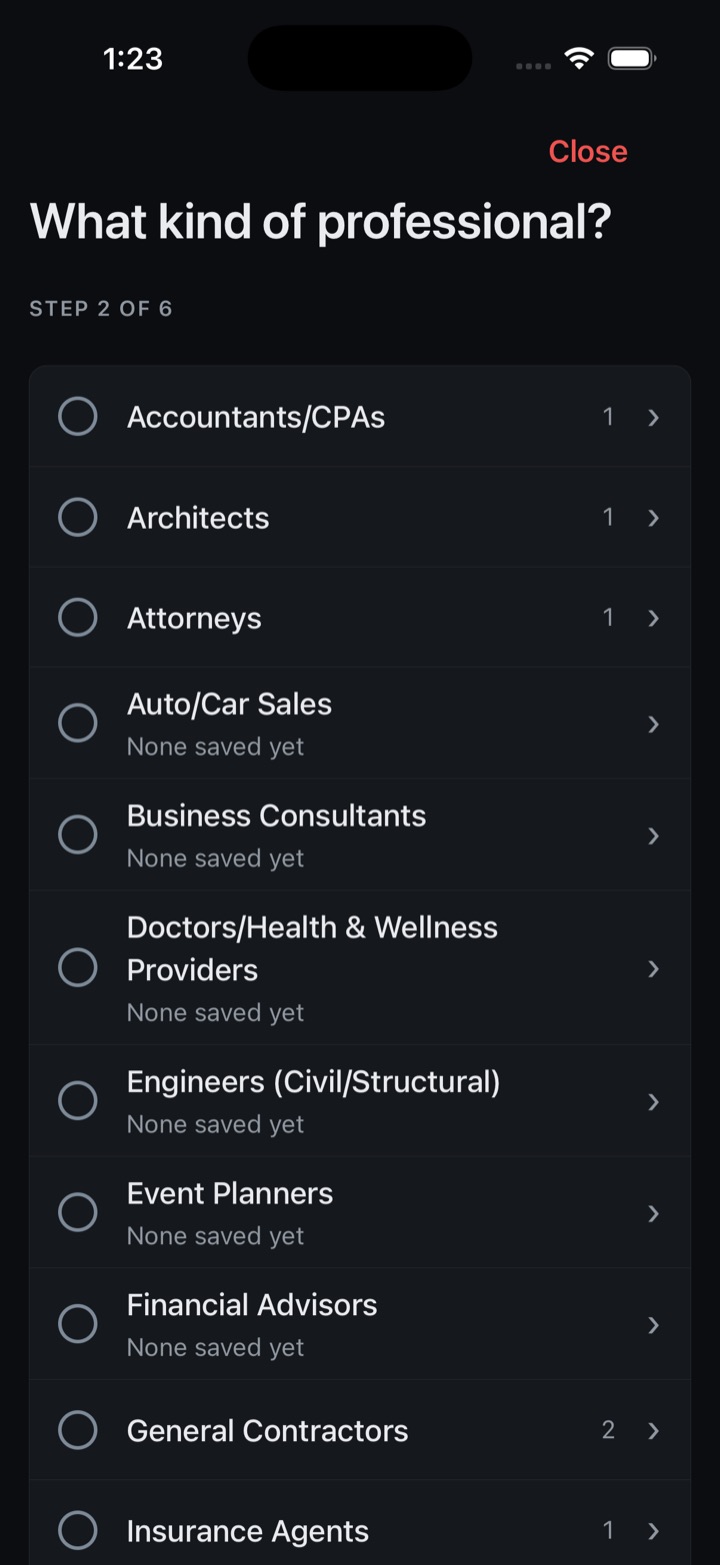
Step 3Pick the professional
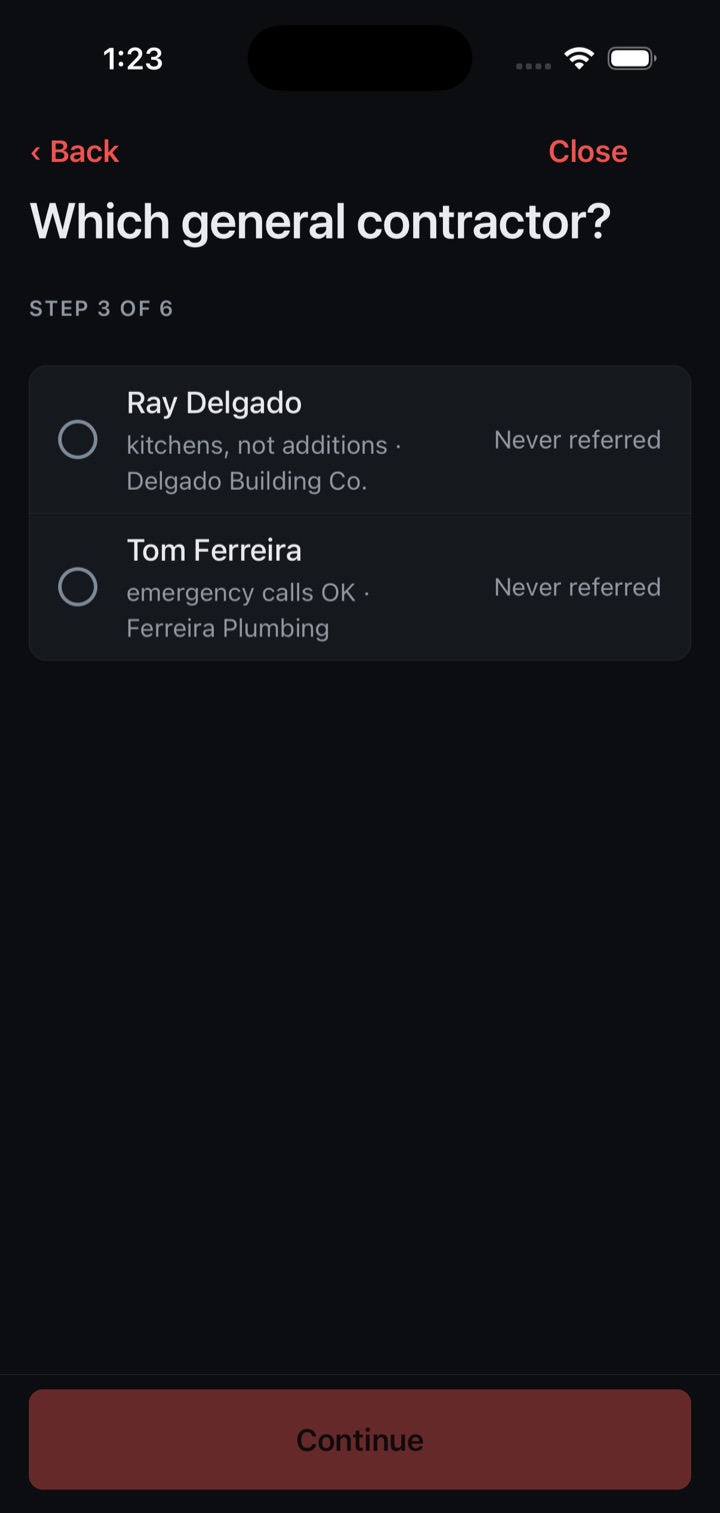
Step 4The need, and how ready they are
Step 5Read it, then send
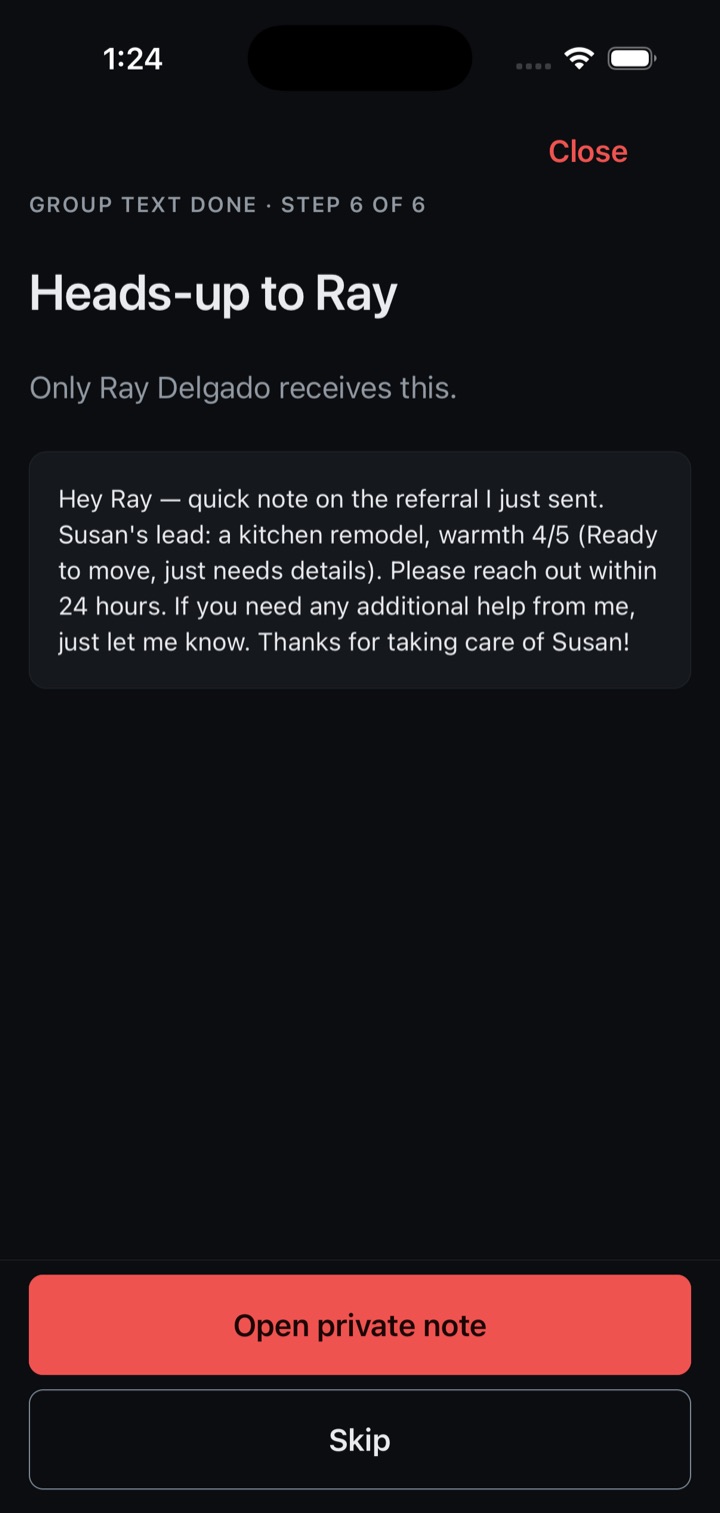
Step 6A private heads-up to the pro
Swipe to see each step →
Quick. Easy. And fun.
Nothing is sent without you. Your list stays on your phone.